StarTech USB4 Docking Station Review (208N-USB4-DOCK): Who It’s Actually For (2026)
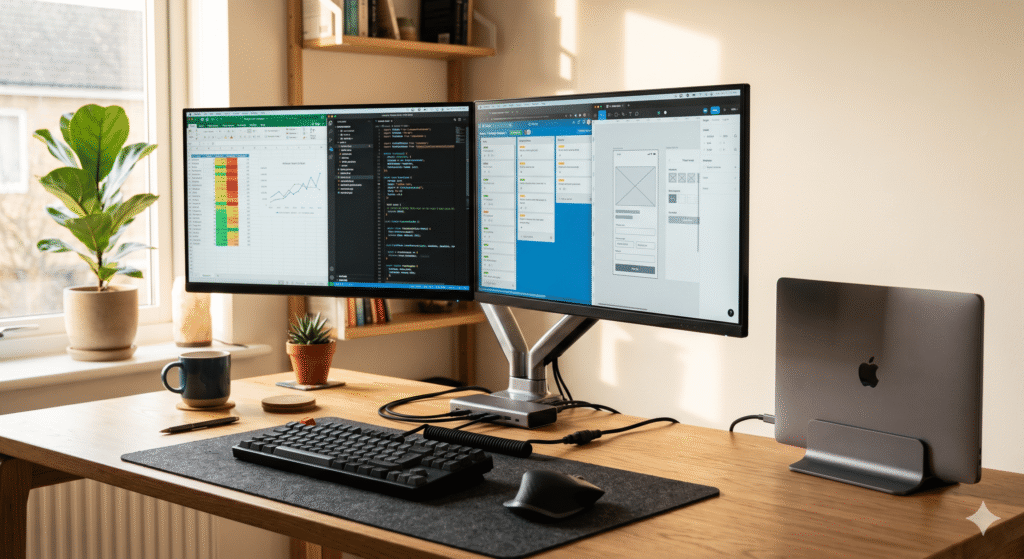
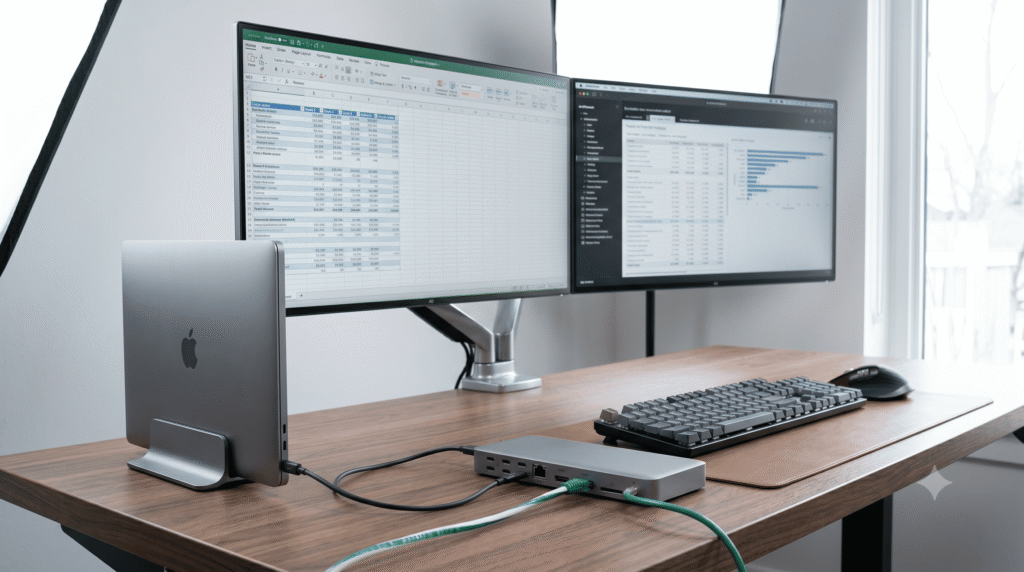
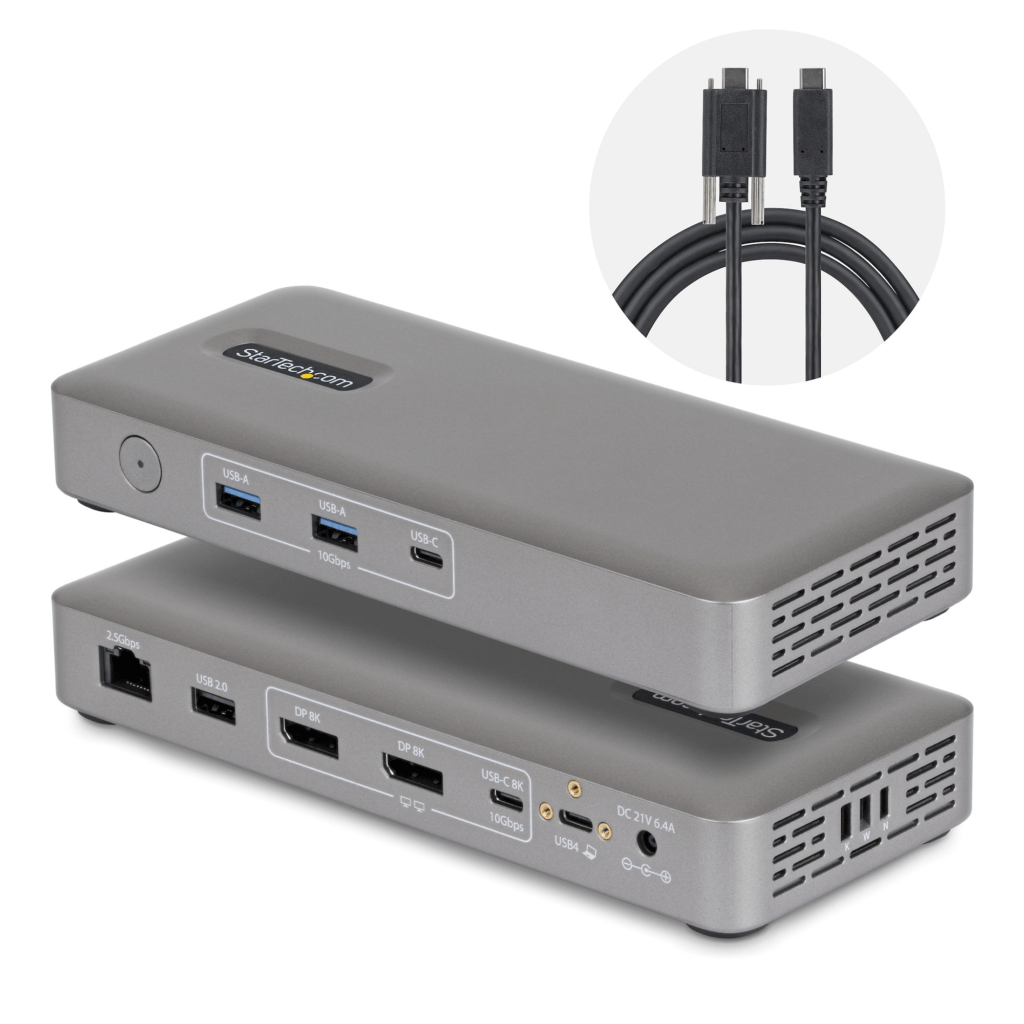
You plug in one cable and your whole desk comes alive — two monitors up, Ethernet connected, keyboard and everything else just there. No drivers. No fiddling. That’s the promise of a good docking station, and it’s the exact promise StarTech is making with the 208N-USB4-DOCK.
But “works great” means very different things depending on which MacBook you have. An M4 Air user and an M1 Air user have a completely different experience with this dock, and we’re going to break that down clearly so you don’t end up buying the wrong thing.
We pulled the full datasheet, cross-referenced it against every Mac model’s display limits, and put together a scenario-by-scenario breakdown below.