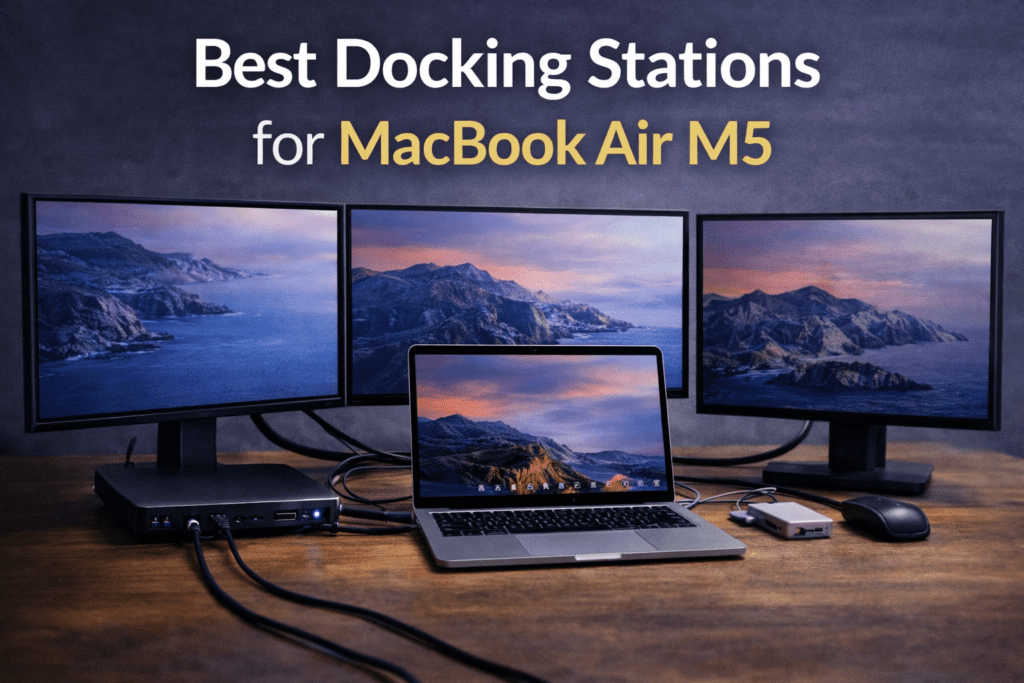
The MacBook Air M5, announced today, continues Apple’s lightweight laptop philosophy while improving performance and external display support. With two Thunderbolt / USB-C ports, the Air can easily become the center of a full desktop workstation when paired with the right docking station.
A dock lets you connect multiple monitors, Ethernet, storage, and peripherals using a single cable. Instead of plugging in several adapters every time you sit down at your desk, a docking station expands your MacBook into a complete workstation instantly.
However, not every dock works the same way. Some are compact USB-C hubs designed for travel, while others are powerful Thunderbolt docks capable of running multiple 4K displays and high-speed storage simultaneously.
In this guide, we’ll look at the best docking stations for MacBook Air M5, based on real-world usability, port selection, monitor support, and overall reliability.
What to Look for in a MacBook Air M5 Dock
Before choosing a dock, it helps to understand the key features that actually matter.
Thunderbolt vs USB-C
MacBook Air M5 uses Thunderbolt / USB4 ports, which means it can connect to both USB-C hubs and Thunderbolt docks.
Thunderbolt docks provide significantly more bandwidth and more stable multi-monitor support, while USB-C hubs are smaller and cheaper but share bandwidth across ports.
For a permanent desk setup, Thunderbolt docks usually offer the best experience.
Power Delivery
Most modern docks also charge your MacBook through the same cable.
Look for docks that provide 85W–100W power delivery, which is enough to power the laptop while running monitors and peripherals.
Some professional Thunderbolt docks can even deliver around 98W charging through the host cable.
Monitor Support
MacBook Air M5 supports two external displays natively, so a good dock should support:
• dual 4K monitors
• high refresh rates (60Hz or higher)
• DisplayPort or HDMI 2.0+ output
Cheap hubs often mirror displays instead of extending them, which is why choosing the right dock matters.
Best Docking Stations for MacBook Air M5
Below are some of the most reliable dock categories and models that work well with modern MacBook Air systems.
CalDigit Thunderbolt 4 Pro Dock (TS4)
This is widely considered one of the best Thunderbolt docks available for Mac users.
Key features:
• 18 ports
• Thunderbolt 4 connectivity
• dual 4K display support
• up to 98W laptop charging
• fast USB and storage ports
The dock connects to your MacBook using a single Thunderbolt cable and instantly adds a huge number of ports for monitors, Ethernet, storage, and peripherals.
Why it’s great for the MacBook Air M5:
• extremely stable dual-monitor support
• strong power delivery
• excellent port variety
For many users, this is the best all-around Thunderbolt dock.
iVanky FusionDock Max 1
This Thunderbolt 4 dock focuses on performance and cooling.
Highlights include:
• multiple display outputs
• high-speed USB ports
• strong laptop charging
• premium design
Thunderbolt docks like this typically support two 4K monitors at 60Hz or even higher resolutions, making them ideal for workstation setups.
This dock is a good choice if you want something powerful but still compact.
Anker Prime 14-in-1 Docking Station
Anker’s newer premium dock is designed for modern Thunderbolt systems and adds a wide range of ports in a single device.
Features include:
• multiple USB ports
• HDMI / DisplayPort
• Ethernet
• high power delivery
High-end docking stations like this combine design and functionality, giving you a large number of ports while maintaining a clean desk setup.
This dock works well if you want a modern all-in-one hub.
UGREEN Revodok Pro Series
If you want something more affordable, the Revodok lineup offers several good options.
Typical features include:
• HDMI or DisplayPort
• USB-A and USB-C ports
• Ethernet
• 100W charging
UGREEN hubs are popular because they provide a strong balance between price and functionality for everyday MacBook setups.
These are ideal if you want a budget home office dock.
Satechi Thunderbolt 4 Slim Hub
This dock is designed specifically with Mac aesthetics in mind.
Advantages:
• compact design
• Thunderbolt 4 connectivity
• multiple downstream Thunderbolt ports
• high-speed device connections
Many Mac users prefer it because it visually matches Apple hardware while still providing serious performance.
Best Docking Setup for MacBook Air M5
Here are a few common workstation setups.
Minimal Setup
MacBook Air M5
- 1 monitor
- keyboard / mouse
Recommended dock:
USB-C hub
Why:
Simple, portable, inexpensive.
Dual Monitor Desk Setup
MacBook Air M5
- 2 × 4K monitors
- Ethernet
- external SSD
Recommended dock:
Thunderbolt dock.
Why:
• stable multi-monitor output
• faster storage speeds
• reliable Ethernet.
Productivity Workstation
MacBook Air M5
- ultrawide monitor
- second monitor
- storage
- camera
- microphone
Recommended dock:
High-end Thunderbolt dock.
This setup turns the MacBook Air into a full desktop workstation.
Common Docking Mistakes
When people buy their first dock, they often run into a few common issues.
Cheap hubs limiting monitor resolution
Many budget hubs only support 4K at 30Hz, which makes the desktop feel laggy.
Mirrored displays instead of extended monitors
Some USB-C hubs split a single display signal into two mirrored outputs.
Insufficient power delivery
Low-power hubs sometimes fail to charge the laptop properly while everything is connected.
Choosing a proper Thunderbolt dock usually avoids these problems.
The Bottom Line
The MacBook Air M5 is one of the most flexible Air models yet when it comes to docking setups.
With native dual-monitor support and Thunderbolt connectivity, it can easily power a complete workstation.
The best options generally fall into three categories:
• Thunderbolt docks – best performance and stability
• USB-C hubs – portable and budget-friendly
• DisplayLink docks – useful if you want more than two monitors
For most users building a permanent desk setup, a Thunderbolt dock like the CalDigit TS4 or iVanky FusionDock will provide the smoothest experience.
Pair the right dock with your MacBook Air M5, and you can turn a thin ultraportable laptop into a powerful multi-monitor workstation with a single cable.